
Free YouTube Transcript Generator
Paste a public YouTube video link to get a timestamped transcript you can review and export. The tool uses available captions first and can transcribe audio when captions are unavailable. Sign in for two free attempts per day; limits depend on the source.
Why creators pick this YouTube transcript generator
Public-link input, timestamped text, and export options help you use YouTube transcripts for notes, research, and editing.
Link-first YouTube transcript generator
Paste a public youtube.com or youtu.be video link. The YouTube transcript generator checks for available captions first and can fall back to audio transcription within your plan limits.
Review YouTube transcript text with timestamps
Use timestamps to check a quote, lesson, or chapter against the source. Review the wording and formatting, then export the transcript in the format your workflow needs.
Daily free credits, no card on file
Sign in for two free attempts per day. Long videos with usable captions can be imported; videos without captions are subject to the free AI processing limit.
Ways to use the YouTube transcript generator
The same workspace handles YouTube, TikTok, Instagram, and audio files. Pick the closest tool to your source and switch in one click.
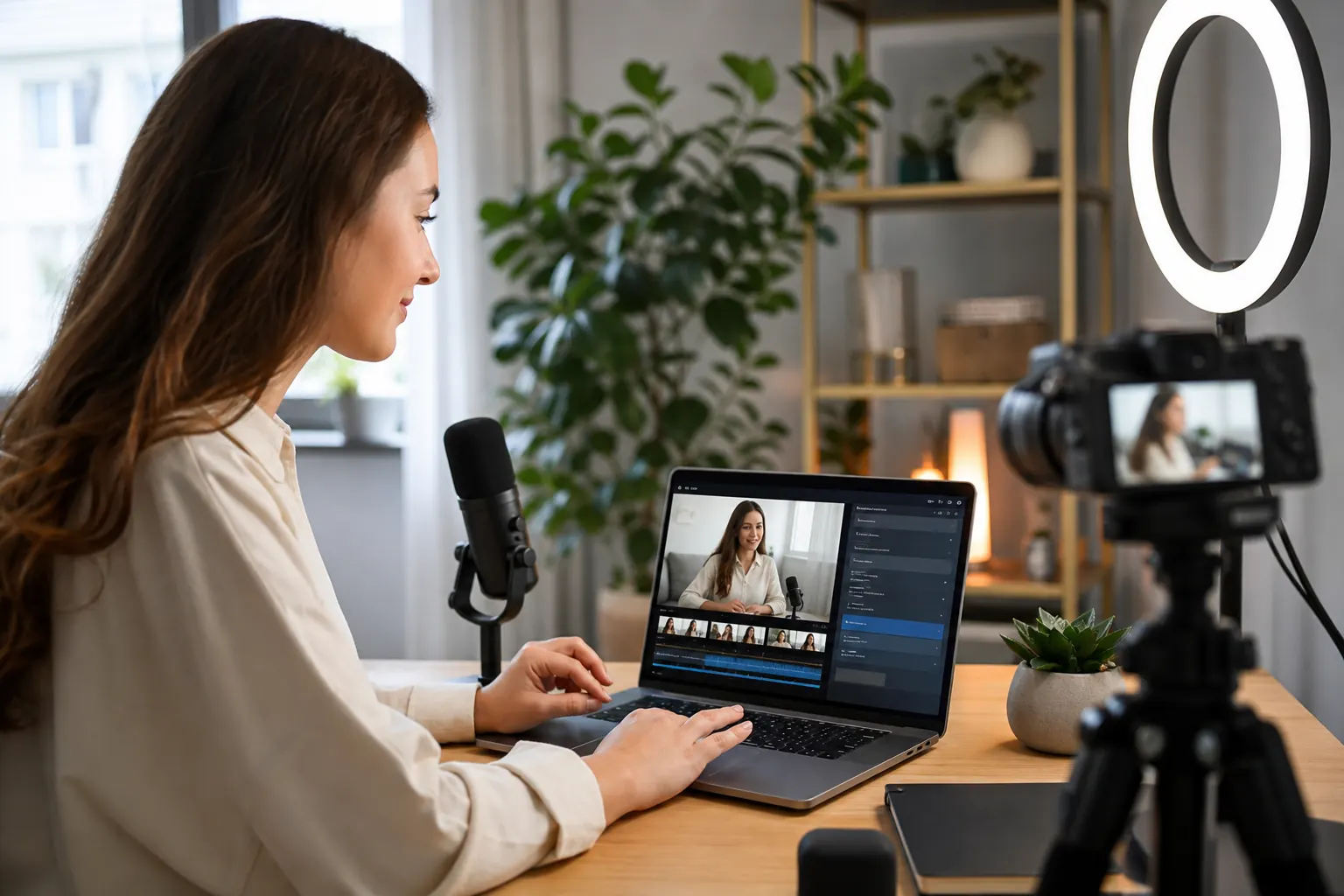
Creators repurposing long videos into TikTok Shorts
Use a youtube video to transcript pass to plan Shorts hooks and scripts. When you cut the actual Short, switch to our TikTok tool for the published-link transcription on the other side.
Open the TikTok tool
Journalists pulling quotes from interview videos
Skim a timestamped transcript of a YouTube video to find a passage, then check it against the recording. When the source is a local MP4, use our video to text tool for audio transcription.
Open the video tool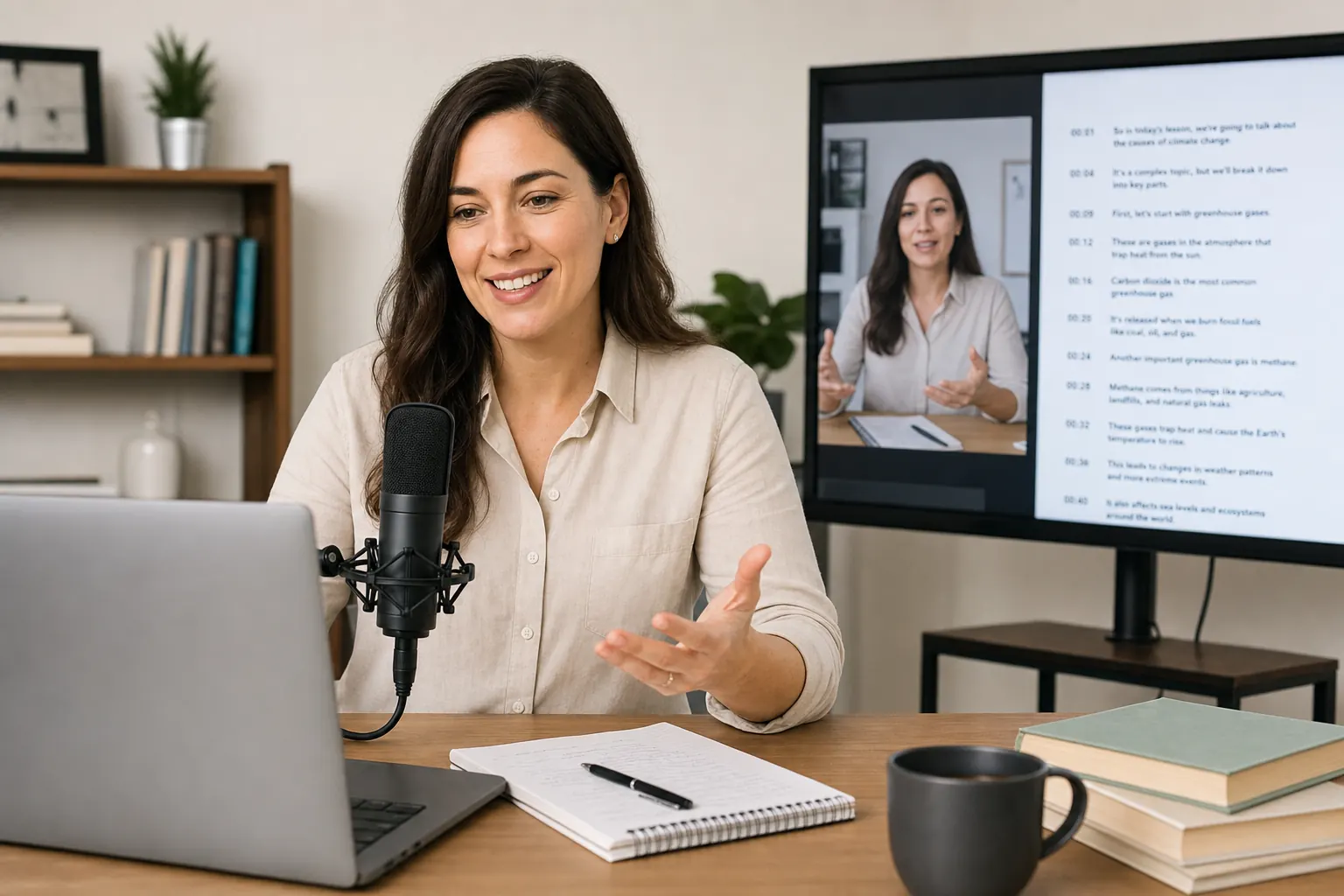
Podcasters with YouTube and audio-only versions
Most podcasts ship a YouTube cut and an audio-only RSS feed. Use this YouTube transcript generator for the video, and our dedicated audio tool when the source is MP3 or WAV.
Open the audio tool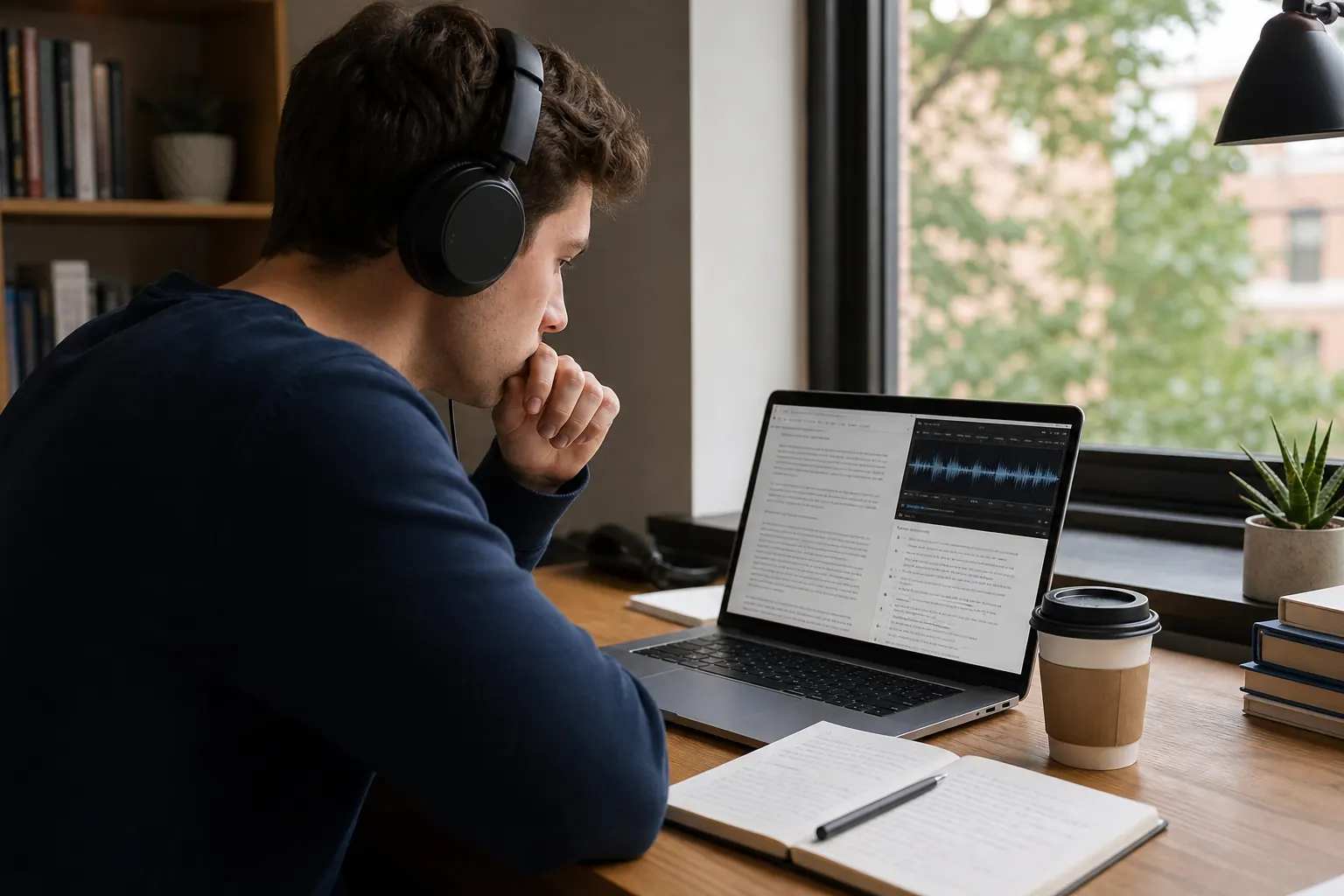
Short-form creators cross-posting to Instagram Reels
Pull the YouTube transcript first, then plan a Reel caption. Our Instagram Reels tool handles public Reel links in the same workspace, using your account's plan allowance.
Open the Reels toolHow to get a YouTube transcript in 2 steps
Sign in and paste a public YouTube video link. The tool checks available captions before attempting audio transcription within your plan limits.
01
Paste a YouTube video link
Paste a public youtube.com or youtu.be video URL into the YouTube transcript generator. It checks for usable captions first; when none are available, it can queue an audio transcription job within your plan limits.
02
Review and export the YouTube transcript
When transcription finishes, review timestamps inline and clean up any tricky names. Export TXT, SRT, VTT, DOCX, or PDF, or copy the text straight to the clipboard.
YouTube transcript features built for repeat work
Use public links, review transcript text, and export it for notes or timed subtitles. The source may be available YouTube captions or an AI audio transcription.
Paste a youtube.com or youtu.be video link
The YouTube transcript generator accepts standard YouTube URLs from the browser bar or the share menu. No extension, no desktop app.
Timestamps for YouTube transcript review
Use timestamps to return to a quote, chapter, or lesson in a YouTube video and check the transcript against the recording.
Editable transcript for YouTube videos
Review and edit a YouTube transcript before copying it into Notion, Docs, or your CMS. Caption imports keep the source wording, so names, punctuation, and sentence breaks may still need correction.
Manage YouTube transcript jobs in one workspace
Submit video links as separate jobs and review their progress in your workspace. Check your plan allowance when working through a course archive or research list.
Daily free credits, no card on file
The free plan includes two attempts per day after sign-in. YouTube videos with usable captions can be imported without the AI preview limit; audio transcription has separate duration and file-size limits.
One workspace for YouTube, Reels, TikTok, and audio
Switch sources within the same workspace. YouTube uses available captions first, while supported sources without usable captions can use audio transcription.
YouTube transcript tool
More about how to get transcript of YouTube video content
How available captions and audio transcription become a YouTube transcript, and how to review and reuse the result.
This YouTube transcript generator helps you work with tutorials, lectures, interviews, and webinars. Paste a public video link to import available captions or, when captions are unavailable, request audio transcription within your plan limits.
Read a YouTube video transcript in one place, check its timestamps, and copy useful passages into Notion, Google Docs, your CMS, or an LLM. Review the text against the video: imported captions can contain errors, and AI transcription can also need correction.
Free accounts include two attempts per day after sign-in. Available YouTube captions can support long videos without the AI preview limit. When captions are unavailable, free AI processing is limited to 30 minutes, and longer videos may be rejected.
Turn YouTube videos into searchable transcripts
A YouTube transcript is useful when you need to study, quote, summarize, or repurpose a video without replaying every section. Paste a link into the YouTube transcript generator and create a timestamped transcript youtube video from the source in a single step.
A transcript of a YouTube video gives you text to copy, search, and edit. This tool imports available captions first, including automatically generated captions when available. Check wording and formatting before reusing the text.
YouTube transcript generator and YouTube captions
YouTube videos may have creator-provided captions or automatically generated captions. This tool uses available captions first, so the imported transcript can contain the same recognition errors as the source track. Importing captions does not guarantee a more accurate transcript.
If no usable caption track is available, the tool can request an audio transcription within your plan limits. Both workflows let you review the result and export it for notes or subtitles. Processing time depends on caption availability, video length, and current workload.
Extract, review, and export YouTube transcript text
A YouTube transcript extractor should give you editable text, not just a static caption view. Review the transcript in the browser, clean up sections if needed, and export TXT, SRT, VTT, DOCX, or PDF for downstream work. Every job stays in your workspace so you can come back to old transcripts later.
Use TXT for notes, articles, newsletters, summaries, and research. Use SRT or VTT when a YouTube video transcript needs to become subtitles, captions, or localization source material. Use DOCX or PDF when the transcript needs to ship as a polished document.
How to get transcript of YouTube video for every persona
Creators can use transcripts to plan articles and clips. Journalists can locate a passage in a timestamped YouTube video transcript and verify it against the recording. Educators and researchers can use the text as a starting point for lecture notes and quotations.
Marketing teams can turn webinar transcripts into draft posts and email sequences. When researching several videos, submit them within your plan allowance and review each result before using it.
Reading a YouTube video transcript with timestamps
Illustrative transcript format: these sample lines show how a timestamped transcript can help you find an instruction in a longer video.
[00:12] Start by saving a copy of your spreadsheet.
[00:28] Select the column that contains the dates.
[00:43] Sort from oldest to newest, then check the first row.
For your own video, use the timestamps to return to the source and review each passage in context. Keep the source link with your notes. A transcript helps you find what was said; it does not capture every chart, slide, or action shown on screen.
Choose text, subtitles, or a summary
Download the YouTube video transcript as TXT for searchable notes and quotes. Export SRT or VTT when your editor or player needs timed subtitles. Check the words and timing against the video before sharing the file.
Use the YouTube subtitle generator for a subtitle-focused workflow. If you want key points rather than the full wording, explore the YouTube video summarizer. Keep the transcript available to check any summary against the source.
Frequently asked questions
How do I get a transcript of a YouTube video?
Sign in to Transcripto and paste a public YouTube video URL into the link field. The tool checks for usable captions first and can fall back to audio transcription. When the result is ready, review its text and timestamps, then export TXT, SRT, VTT, DOCX, or PDF.
What kinds of YouTube videos can I transcribe?
You can submit public YouTube video links for tutorials, lectures, interviews, and webinars. Some videos may be unavailable to the service. Long videos with usable captions can be imported; without captions, processing depends on your plan limits.
Is the YouTube transcript generator really free?
Yes. Signed-in users get two free attempts per day, resetting at 00:00 UTC. Usable YouTube captions can be imported from long videos. Without captions, free AI processing is limited to 30 minutes, and longer videos may be rejected. Downloaded media also has a 500 MB free-plan limit.
How accurate is the YouTube transcript extractor?
Imported transcripts depend on the quality of the available caption track. AI transcription depends on audio clarity, accents, and technical vocabulary. Review both against the source, especially names and numbers, and use timestamps to check uncertain passages.
Can I get a YouTube transcript when captions are missing?
When no usable caption track is retrieved, Transcripto attempts AI transcription of the video's audio. The audio must be accessible and within your plan limits. If the link cannot be processed, you can try a local file that you own or have permission to use, within the upload limits shown for your account.
Can the free plan transcribe a long YouTube video?
When a usable YouTube caption track is available, the retrieved transcript can cover the full video. Without a usable caption track, AI transcription is subject to the free 30-minute processing limit. A longer video may be rejected or need a different plan; having a daily job left does not remove the time limit.
Is a YouTube video transcript the same as a summary?
A transcript follows the spoken wording or the retrieved caption track and includes timestamps. A summary shortens that material into key points. Use the transcript when you need the wording of a quote, and check it against the recording before citing it.
Do I need to connect my YouTube account?
Sign in to Transcripto to submit a job; you do not need to connect a YouTube account. Use an accessible public video link. Signing in to Transcripto does not unlock a private video or grant access to restricted content.