
Free Video to Text Converter
Drop an MP4, MOV, or paste a link and convert video to text in minutes. Powered by enterprise-grade speech models, priced 30 to 70% lower than typical managed APIs. Daily free credits cover real transcribe video to text free jobs once you log in.
Why teams pick this video to text converter
Same speech-model class as enterprise tools, billed at a fraction of the cost — built for repeat work, not one-off demos.
30 to 70% cheaper than managed APIs
Most enterprise video transcript generator services charge $0.30 to $0.60 per minute. We use the same model class and bill at a fraction of that rate, so an hour of footage costs cents — not dollars.
Clean transcripts, not raw captions
Auto-captions strip punctuation and paragraphs. This video to text converter returns paragraph-broken text with speaker hints and clickable timestamps — ready to paste into Notion, Google Docs, or your CMS.
Daily free credits, no card on file
Log in once and free credits land every day. Run a real transcribe video to text free job on a 30-minute meeting before you decide whether to pay.
Proven ways to convert video to text
The same engine powers four dedicated workspaces. Pick the one closest to your source and the workflow takes one click to switch.
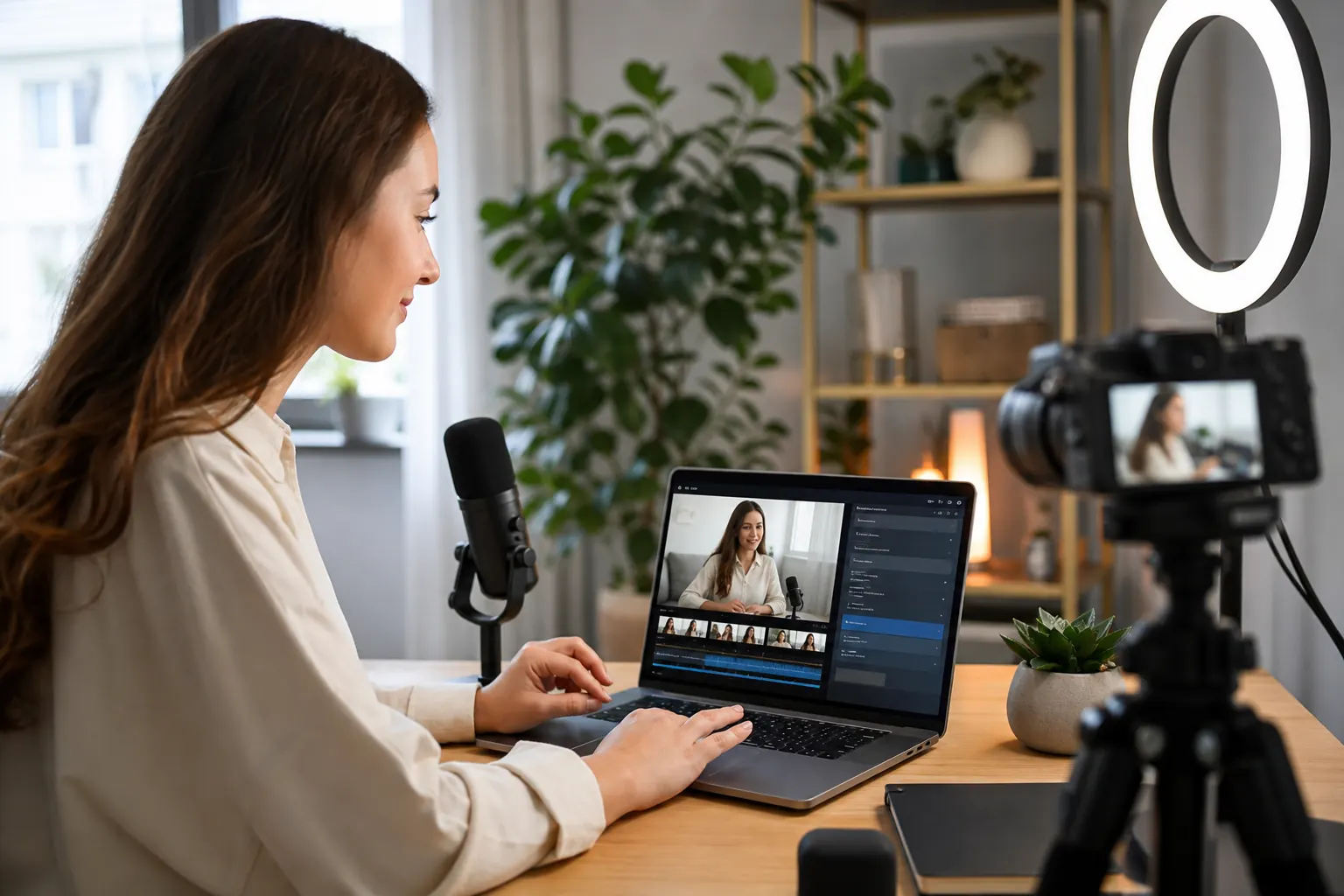
YouTube creators: transcripts for SEO and chapters
Pair every upload with a searchable youtube video transcript. Repurpose into blog drafts, chapters, and show notes from one URL — no manual download or extension.
Open the YouTube tool
Short-form editors: pull spoken text from TikTok
Drop a TikTok link and get a tiktok transcript with timing. Useful for captioning, scripting, and short-form repurposing across other platforms.
Open the TikTok tool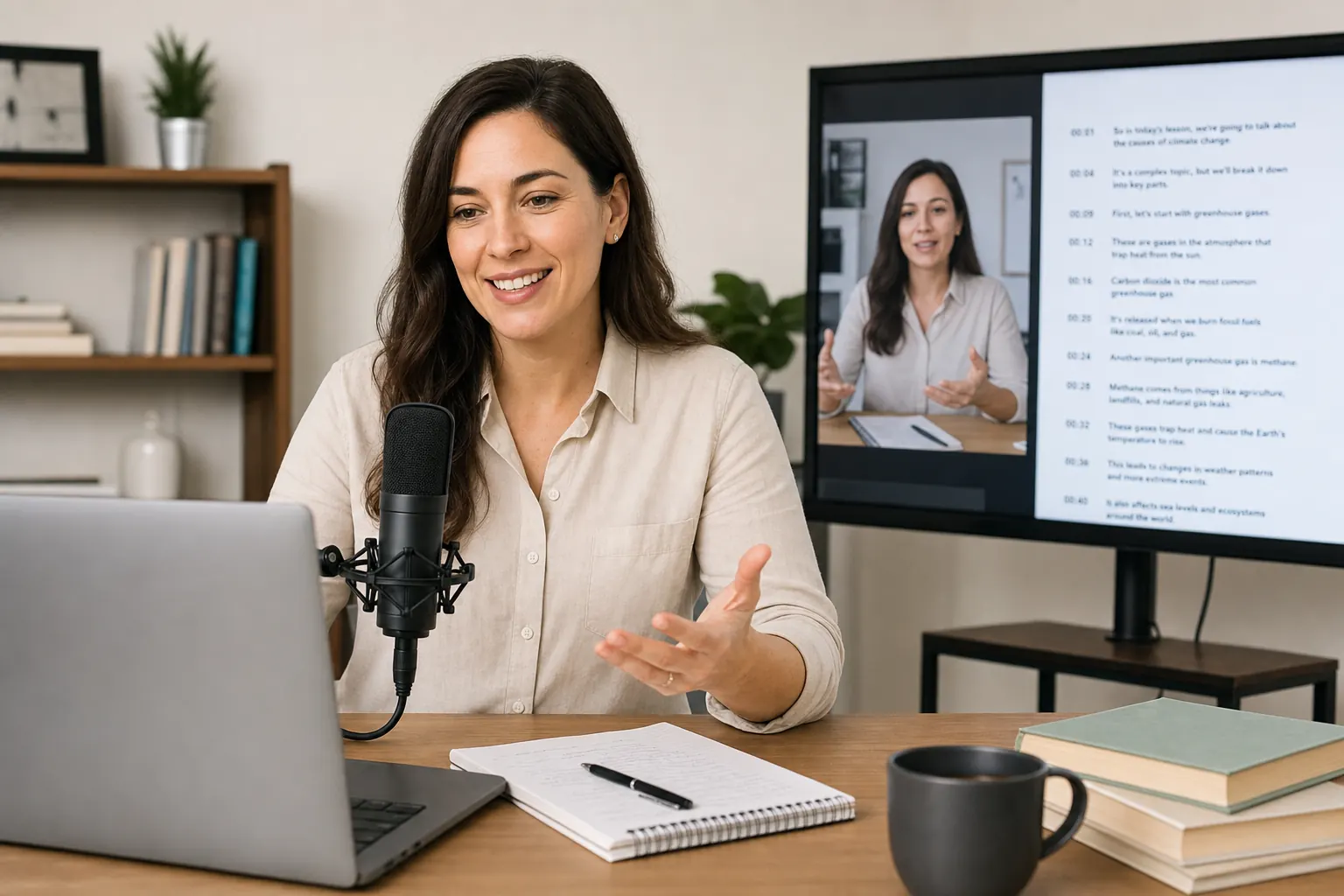
Marketers: instagram reel transcript without login
Need quick instagram reel transcript text from a shared Reel? Paste the link and the text shows up in under a minute, ready for captions or summaries.
Open the Reels tool
Podcasts and lectures: audio-only inputs
Already working with audio? Use our dedicated audio to text converter for MP3, WAV, and M4A — same speech models, same pricing, same daily credits.
Open the audio toolHow to convert video to text in 2 steps
No software install, no credit card. Daily free credits cover real video to text transcription free jobs the moment you log in.
01
Upload a file or paste a link
Drag in MP4, MOV, MKV, WEBM, or AVI, or paste a YouTube, TikTok, or Vimeo URL. Language is auto-detected and the job goes straight into the queue.
02
Review, translate, and export
When the convert video to text job finishes, review timestamps inline. Click translate video to text to add a second language, then export TXT, SRT, VTT, DOCX, or PDF.
Features built for repeat transcription work
Every feature is tuned for batched jobs — link-first inputs, speaker separation, multilingual exports, and daily free credits.
Convert video to text from any link
Paste YouTube, Vimeo, TikTok, or Instagram URLs. We pull the audio in the background — no extension, no manual download step.
Multi-format video to text converter
Upload MP4, MOV, WEBM, MKV, or AVI. Long uploads are chunked automatically, so a 2-hour webinar finishes in minutes, not hours.
Speaker separation for video to text ai
Diarization keeps panel discussions, interviews, and roundtables organized. Each speaker gets a label, so transcribe audio video to text stays readable with 5+ voices.
Translate video to text in 100+ languages
After the first pass, click translate to add another language. Export a bilingual SRT in one job — no second tool, no re-upload.
Daily free credits, every day
Logged-in accounts get free credits every day. Real transcribe video to text free runs, not 30-second teaser clips — longer files included.
Runs in your browser, no install
Queue several files in a row and keep working while jobs process. Nothing to install, nothing to update — open a tab and go.
Video transcription
Deeper notes on video to text transcription
When auto-captions fall short, what the workspace actually does, and how the output feeds the next step in your pipeline.
This is a free video to text workflow for creators, students, marketers, and small teams. Drop an MP4, MOV, MKV, or WEBM, or paste a supported video link. The video transcript generator returns clean, timestamped text you can copy, edit, and export.
Under the hood, we combine OpenAI Whisper with newer speech models tuned for long-form video. The convert video to text output keeps punctuation, paragraphs, and speaker hints — not the raw caption stream from auto-subtitles.
Most managed video to text AI APIs charge $0.30 to $0.60 per minute. We run at a fraction of that rate with comparable accuracy, and every logged-in account gets daily free credits — so you can test on real files before you ever pay.
Why not just use YouTube auto-captions?
YouTube ships auto-captions for most uploads, and they're fine to watch. But they strip punctuation, paragraph structure, and any kind of editable formatting. Try copying one into Google Docs and you'll see what we mean.
A dedicated video to text converter solves this. The output is structured text with punctuation, paragraph breaks, and timestamps — text you can publish, summarize, or feed to another AI tool. Long meetings, strong accents, and music in the background also transcribe cleanly here, where auto-captions usually struggle.
Files, URLs, and what 'free' actually means
Upload MP4, MOV, WEBM, MKV, or AVI when you need a local file processed. The video transcript generator chunks long uploads in the background, so an hour-long file takes a handful of minutes, not the full hour.
If you'd rather skip the download, paste a supported URL. The same engine handles links and uploads. Free here means real video to text transcription free runs on real files via daily credits — not a 30-second demo. Pay only if your monthly volume regularly goes past the free tier.
What you can do with the transcript
After you convert video to text, the same job lets you export plain text, SRT, VTT, DOCX, or PDF. The transcript stays editable in the workspace — fix a name, tighten a sentence, and re-export without starting over.
Common next steps: turn the transcript into a blog post, pull quotes for social, generate chapters for YouTube, translate video to text into another language, or feed the text into an LLM for summarization. One source file, many endings.
Built for repeat work, not one-off uploads
The workspace remembers every transcript video to text job, so you can come back, re-export in a new format, or share a link with your team. Useful for podcast publishing pipelines, course archives, agency research, and any workflow where you process video on a schedule.
Whether you're searching for a video transcript generator, a video to text converter, or just a simple way to transcribe video to text free for a single project — the page works the same. No paid tier required to try the real product.
What users say about the workflow
“I batch convert video to text for every weekly upload now. Caption work used to eat a real chunk of my week — now the SRT export drops straight into Premiere with the right timing.”
Emma L.
YouTube creator, 240K subs
“Speaker labels are the killer feature for me. I review 8-hour panel days and the transcript video to text output lets me jump to the right voice without scrubbing.”
Mike T.
Documentary filmmaker
“Daily free credits actually cover real lesson recordings, not 30-second clips. We use the video transcript generator for bulk SRT exports across our course library.”
Sophie A.
Online course producer
Frequently asked questions
How do I convert a video to text?
Upload your video file or paste a supported link, start the transcription, then review the timestamped result when it is ready. You can copy the text or export TXT, SRT, VTT, DOCX, or PDF straight from the video to text converter — no separate download step.
Can I transcribe video to text for free?
Yes. Every logged-in account gets daily free credits, so transcribe video to text free runs work on real videos, not a 30-second demo. Paid plans only kick in once you regularly cross the daily allowance.
Can the tool translate video to text into another language?
Yes. After the first pass, translate video to text into 100+ languages and export a bilingual SRT in one job. The engine auto-detects the source language, so you do not have to set it manually.
What can I use a video transcript for?
Common uses: subtitles, blog posts, searchable notes, accessibility compliance, content repurposing, and SEO research. The transcript video to text output stays editable and export-ready, so you can take it from raw text to a polished asset without switching tools.