
Free Instagram Reel Transcript Generator
Turn spoken audio from public Instagram Reels and videos into a timestamped transcript you can review and export. Sign in to Transcripto for two free attempts per day, with AI previews of up to 30 minutes.
Why creators pick this instagram transcript generator
Public-link input, timestamped exports, and a daily free allowance help you turn Instagram Reels into text for editing, research, and repurposing.
Review spoken content from Instagram Reels
Read the Instagram Reel transcript alongside the video to check a hook, quotation, or product mention. Background music and overlapping voices can affect the result, so review unclear passages before using them.
Timestamps you can actually act on
Use transcript timestamps to return to a product mention, hook, or punchline. They help you check wording for repurposing, brand audits, or short-form editing.
Daily free credits, transparent pricing
Sign in for two free attempts per day, resetting at 00:00 UTC. Free AI previews cover up to 30 minutes; compare plan limits if you need longer transcripts or more daily work.
Ways to use the Instagram transcript generator
The same workspace handles Instagram, TikTok, YouTube, and audio. Pick the closest tool to your source and switch in one click.
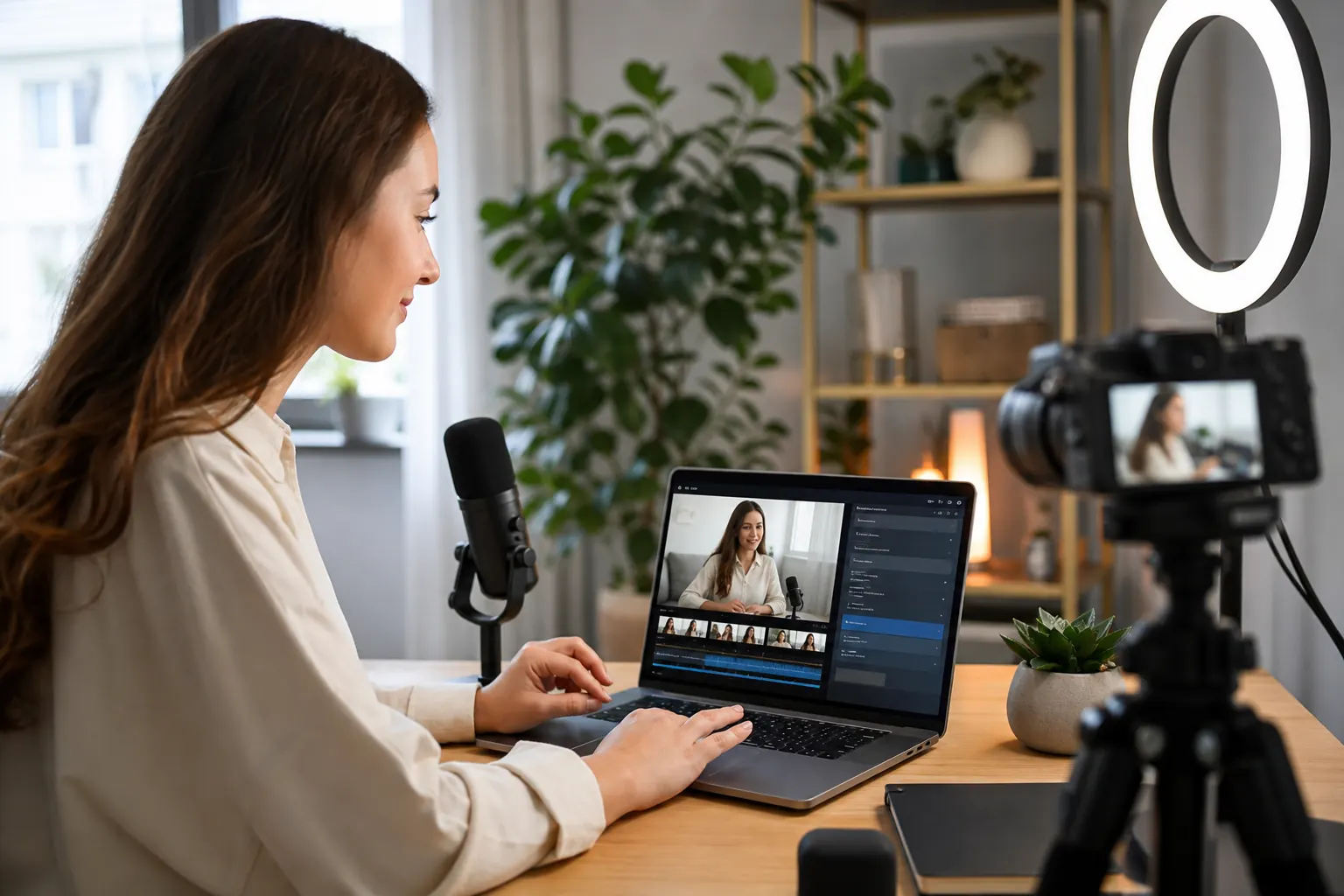
Creators repurposing Reels into TikTok content
Run every Reel through the instagram transcript generator, then port the hook and script straight into TikTok. The dedicated TikTok tool handles short-form video on the other side.
Open the TikTok tool
Editors moving from short Reels to long-form video
Use instagram reel transcript output to plan the long-form cut. When you switch to the full edit, our general video to text tool takes over for MP4, MOV, and link uploads.
Open the video tool
Brand teams auditing Reels and YouTube videos
Use an Instagram Reel transcript to review a public video for an audit, then pair it with our YouTube tool for long-form research. Each job is subject to your plan allowance.
Open the YouTube toolPodcasters with Instagram Live recordings
Already exporting Instagram Live as audio? Use our dedicated audio to text converter for MP3, WAV, and M4A files — same engine, same daily free credits.
Open the audio toolHow to generate an Instagram Reel transcript in 2 steps
Sign in, paste a public video link, and review the result. The free plan provides two attempts per day with AI previews up to 30 minutes.
01
Paste a public Instagram link
Drop a public Instagram Reel, video, or IGTV URL into the instagram transcript generator. The tool fetches the audio in the background and queues your instagram to transcript job.
02
Review and export the transcript
When instagram transcription finishes, review timestamps inline and clean up any tricky names. Export TXT, SRT, VTT, DOCX, or PDF, or copy the text straight to the clipboard.
Instagram transcript features built for Reels
Use public links, review timestamped text, and export your Instagram transcript in a format that fits your editing or research workflow.
Paste a public Instagram video link
Copy a public Reel or video URL from the share menu. The Instagram transcript generator attempts to retrieve the media for transcription; some public posts may still be unavailable to the download service.
Review short-form speech in context
Turn spoken audio into an Instagram video transcript, then compare uncertain words with the source. Music, voice effects, and overlapping speakers can affect recognition.
Timestamps for transcript review
Use the timestamps in your Instagram Reel transcript to return to a hook, product mention, or call-to-action and check it against the video.
Five export formats out of the box
Use the page as an instagram reel transcript extractor for TXT, SRT, VTT, DOCX, or PDF. Or copy the text straight into Notion or your CMS.
Daily free credits, no card on file
Start with two free attempts per day after signing in. The free plan includes AI previews up to 30 minutes and a 500 MB limit for uploads and media downloaded from links.
One workspace for Instagram, TikTok, and YouTube
Switch between Instagram, TikTok, YouTube, and audio tools in the same workspace. YouTube uses available captions first; supported sources without usable captions can use audio transcription.
Instagram transcript tool
More about Instagram transcript workflows
How Instagram transcription works, what affects short-form audio recognition, and how to use the result in your content workflow.
This is a focused instagram transcript generator for Reels, IG videos, and IGTV-style uploads. Drop a public Instagram link, the tool pulls the audio, and you get a timestamped instagram reel transcript in your browser — no extension, no copy-paste from the Instagram app.
Fast cuts, loud music, voiceovers, and accent shifts can make an Instagram Reel transcript harder to get right. Review uncertain words against the recording, especially when speech overlaps with background tracks.
Free accounts include two transcription attempts per day after sign-in. Free Instagram video transcription covers up to the first 30 minutes, with a 500 MB limit on uploaded files and media downloaded from links.
What an Instagram transcript actually gives you
An instagram transcript turns spoken Reel or video content into searchable, editable text. Paste a public Instagram link into the instagram transcript generator and a timestamped instagram reel transcript shows up in the browser — no manual download, no waiting on the Instagram app to load.
The output is useful for captions, summaries, quote extraction, accessibility, research, and content repurposing. You can transcribe short Reels and longer feed videos within your plan limits.
What affects short-form transcription quality
Reels can combine speech, background music, voiceovers, and fast cuts. Words may be harder to recognize when the voice is quiet or several sounds overlap.
Treat the Instagram video transcript as a draft to review against the recording. Check names, numbers, lyrics, and sentence breaks before publishing quotes or subtitles.
From transcript to script, caption, or report
Once you generate an instagram reel transcript, you can rewrite the hook for a different platform, pull the call-to-action for a paid ad, draft a longer-form summary, or feed the text into an LLM for batch repurposing. The workspace remembers every job, so you can come back to old transcripts later.
You can use an Instagram transcript extractor to study a public Reel's hook or plan a caption rewrite. Review the source, keep useful timestamps, and check your plan allowance when working through several videos.
How the free tier actually works
The free plan gives signed-in users two transcription attempts per day, resetting at 00:00 UTC. No credit card is required to start, and jobs with a failed status do not count against that allowance.
Free AI previews cover up to the first 30 minutes, with a 500 MB limit for uploads and media downloaded from links. Review a Reel transcript within those limits before choosing a paid plan for longer videos, larger files, or more work.
An Instagram Reel transcript format example
Illustrative transcript format: the sample wording and timestamps below show how a short spoken clip can be organized for review.
[00:00] Here are three ways to reuse a glass jar.
[00:04] Start with a small herb planter for your kitchen.
[00:09] Add drainage material before you add the soil.
For your own Reel, compare the transcript with the audio before quoting a sentence or making subtitles. Check names, numbers, and timing, especially where music overlaps the voice.
Choose a transcript export for your next step
Use TXT for notes, quotes, or a script draft. Choose SRT or VTT when you need timed subtitles, then check the timing in your video editor before publishing.
Follow the Instagram-to-transcript walkthrough for the steps from a public link to an export. Our guide to free Reel transcript methods and login requirements also explains the difference between a site account and an Instagram login.
Frequently asked questions
How do I generate an Instagram Reel transcript?
Sign in to Transcripto, paste a public Instagram Reel or video link into the link field, and start transcription. Processing time varies. When the result is ready, review the text and timestamps, then export TXT, SRT, VTT, DOCX, or PDF.
Is the Instagram transcript generator really free?
Yes. Signed-in users get two free attempts per day, resetting at 00:00 UTC. Free AI previews cover up to 30 minutes, with a 500 MB limit for uploads and downloaded media. No card is required to start; paid plans have higher limits.
What kinds of Instagram videos can I transcribe?
You can submit links to public Instagram Reels and video posts. Availability to the download service can vary, and private or login-gated posts are not supported. Audio quality and your plan limits also affect what can be processed.
What can I do with an Instagram transcript?
Caption rewrites, content repurposing across TikTok and YouTube, accessibility, research notes, quote extraction, and summary drafts. The instagram to transcript output is editable and export-ready, so it slots straight into your existing tools.
Do I need to connect my Instagram account?
You need to sign in to Transcripto to start a job. You do not need to connect your Instagram account. The link workflow is intended for publicly accessible videos; signing in to Transcripto does not give it access to private Instagram posts.
Why might a public Instagram Reel link fail?
A public post can still be unavailable to the download service. Check that the video is still accessible, copy its original share link, and try again. If you own the video or have permission to use it, you can also try uploading your local video file within your plan's size limit.
Will the transcript capture words shown on the Reel?
Transcription focuses on spoken audio. When preparing a caption or quote, check visual labels, usernames, and other on-screen wording directly against the video. A subtitle export contains transcript text and timing; it does not replace that visual review.
How should I review a Reel with music or fast speech?
Listen again where speech is quiet, music is loud, or several voices overlap. Check names, numbers, and sentence breaks against the recording, and review subtitle timing before publishing. Audio quality affects how much correction a transcript needs.